Background remover studio
Remove background
from any image
Upload your images and remove their backgrounds. Change the background, add shadows, fix edges, resize, then download in full quality.
Drag & drop an image here
No image?
Try one of these:
By uploading an image you agree to our Terms. Images are processed only to remove the background and are not stored.
- 1UploadDrop, paste or pick a photo
- 2Remove the backgroundOne click, hair and edges included
- 3DownloadEdit, resize, then download or print
- Images never stored
- No sign-up
Free background remover
Remove the background from any image, free
BGSwaper removes the background from photos automatically. Upload an image, click Remove background, and the AI separates the subject from everything behind it in a few seconds, hair, fur and fine edges included. You get a transparent PNG in full quality, free, without a watermark and without creating an account.
It works with portraits, products, pets, cars, logos and signatures, on a phone, a tablet or a computer. After the cutout, you can add a new background, a shadow or an outline, resize the image for social media or shops, and download it as PNG, WebP, JPG or PDF.


How to remove a background in 3 steps
01
Upload your image
Click Upload Image, drop a file anywhere on the page or paste it with Ctrl+V. JPG, PNG and WebP work.
02
Remove the background
Click Remove background: the AI finds the subject, hair and fine edges included, in a few seconds.
03
Edit and download
Keep it transparent or add a colour, scene or blur, then download in full quality as PNG, WebP, JPG or PDF.
Before and after
Real results from the background remover, with no manual editing. The original photo is on the left, the cutout on the right.
 Before
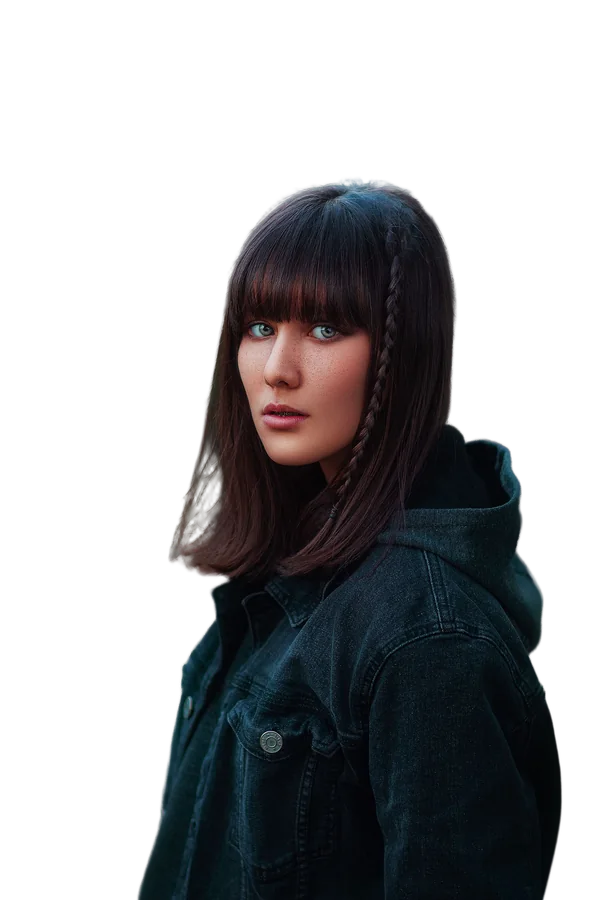 AfterBeforeAfter
 Before
 After
 Before
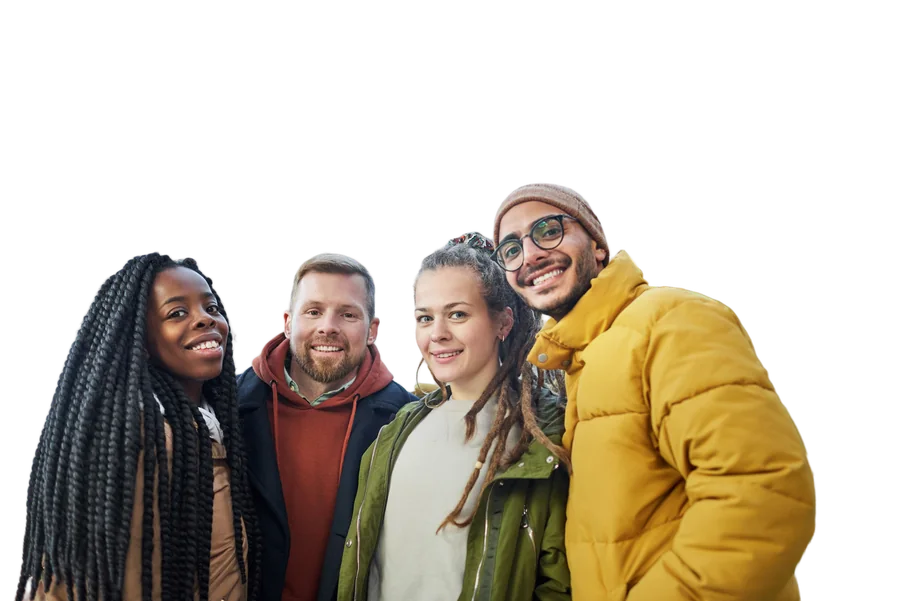 After
Supported formats and limits
- UploadJPG, PNG and WebP images up to 15 MB. Very large photos are scaled to 2,560 pixels on the long side.
- DownloadPNG (full quality, transparent), WebP (small file, transparent), JPG (smallest, white instead of transparent) or PDF (an A4 page, ready to print).
- Several imagesadd many photos at once and download them all as one ZIP file or one PDF.
- Any deviceworks in the browser on iPhone, Android, tablets and computers, with nothing to install.
- Privacyimages are processed only to remove the background and are not stored. See our privacy policy.
More than a cutout




 New backgrounda colour, gradient, studio scene, blur or your own photo. See how to change a photo background.
- Effectsa drop shadow or floor shadow, and an outline for a sticker look.
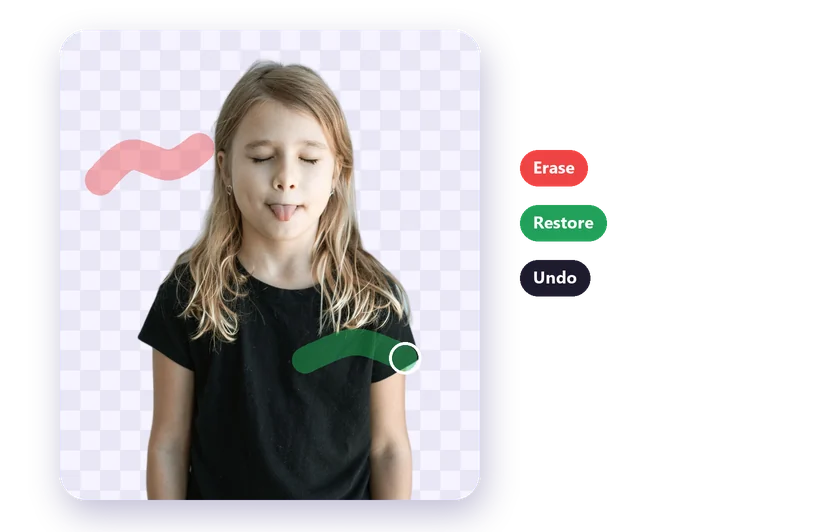 Brusherase leftovers or restore parts the AI removed. See how to fix cutout edges.
- Image Resizerready-made sizes for Instagram, Stories, YouTube, Amazon and passport photos. See the image resizer guide.
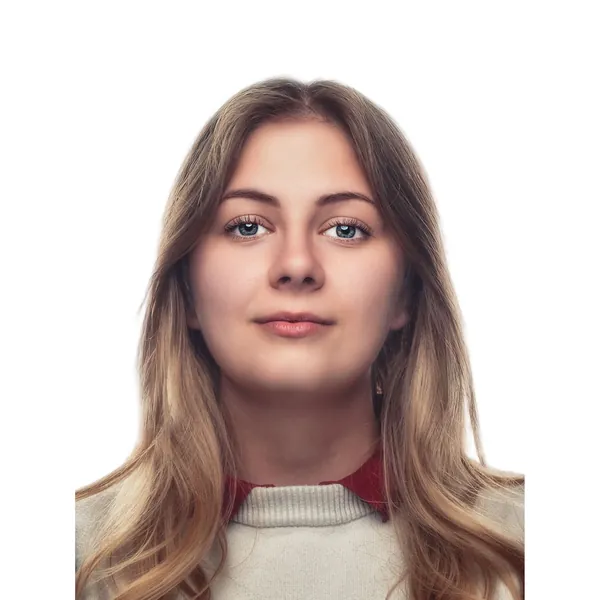 Print sheetpassport and ID photos, several copies on one page. See the passport photo guide.
Is the background remover really free?
Yes. Removing backgrounds and downloading the result in full quality is free, without a watermark and without an account.
How do I make the background of an image transparent?
Upload the image, click Remove background and download it as PNG or WebP. Both keep the transparent background; JPG can't. Read more about transparent PNGs.
Can I remove the background on my phone?
Yes. The tool runs in any mobile browser on iPhone and Android, so there's no app to install. See how to remove a background on your phone.
What can I do if the result isn't perfect?
Open the Brush: choose Erase to paint away leftover background, or Restore to bring back parts of the subject. Starting from a sharp photo with good contrast also gives cleaner edges.
Can I use the results commercially?
Yes. You keep all rights to your images and the results, so you can use them for online shops, ads, social media and print.