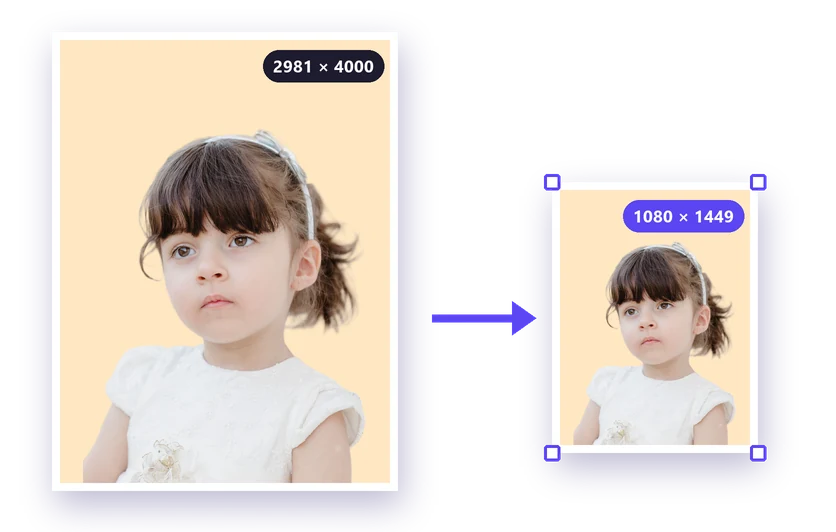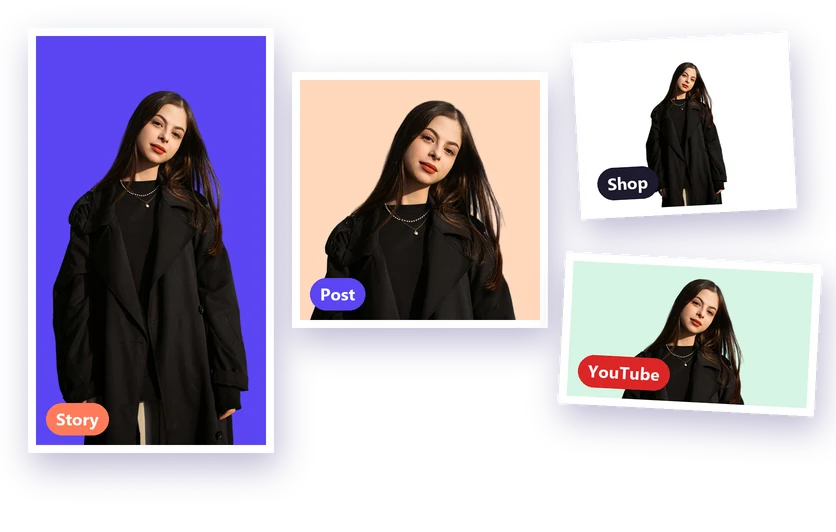
An image resizer changes the width and height of a photo in pixels, so it fits exactly where you need it: a social media post, an online shop, a website or a form. Our free image resizer is built into the background remover, so you can cut out the subject, put it on a new background and get the right size in one go.
How to use the image resizer
- Upload your photo to the free image resizer. JPG, PNG and WebP images all work.
- Click Remove background and wait a few seconds, then pick a new colour or photo under Background, or keep it transparent. Only need a new size? Skip this step.
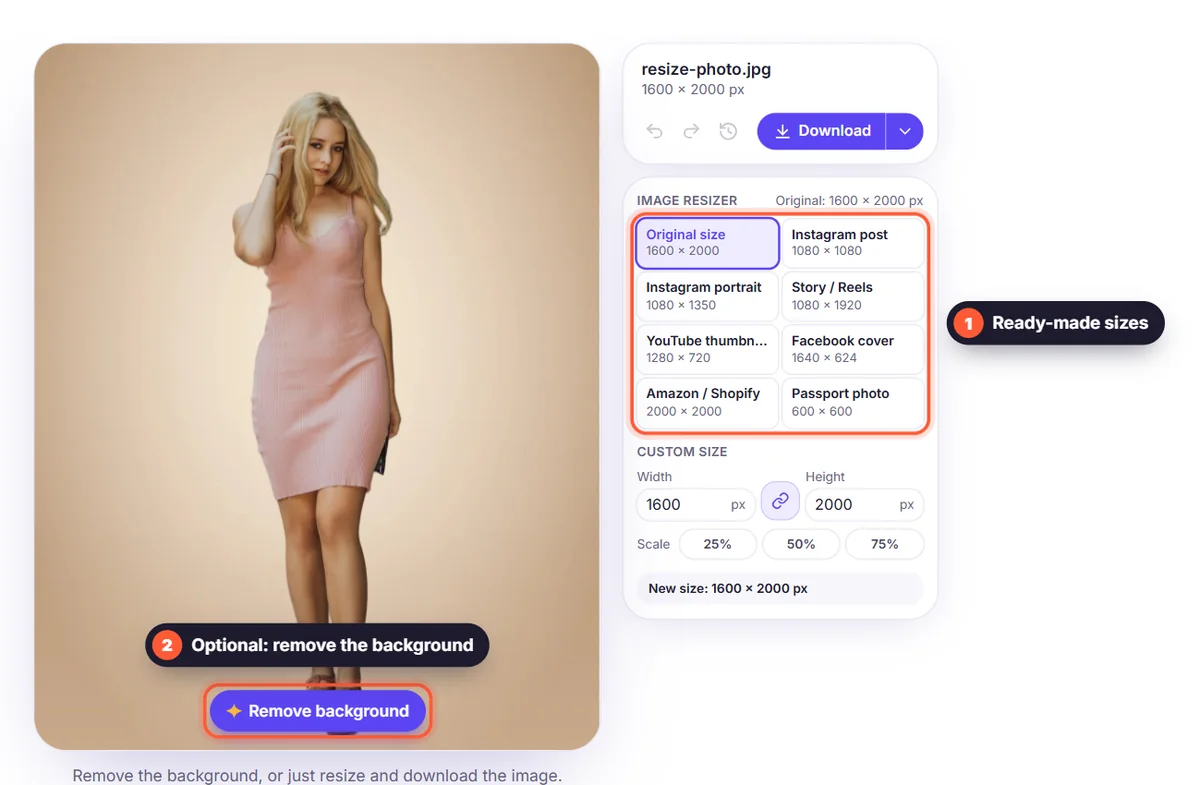
- Open Image Resizer and choose a ready-made size, a percentage, or type your own width and height.
- Click Download and choose PNG, WebP, JPG or PDF. The file is saved in the new size.
Ready-made sizes
You don't need to remember pixel sizes. The image resizer includes the sizes people need most:
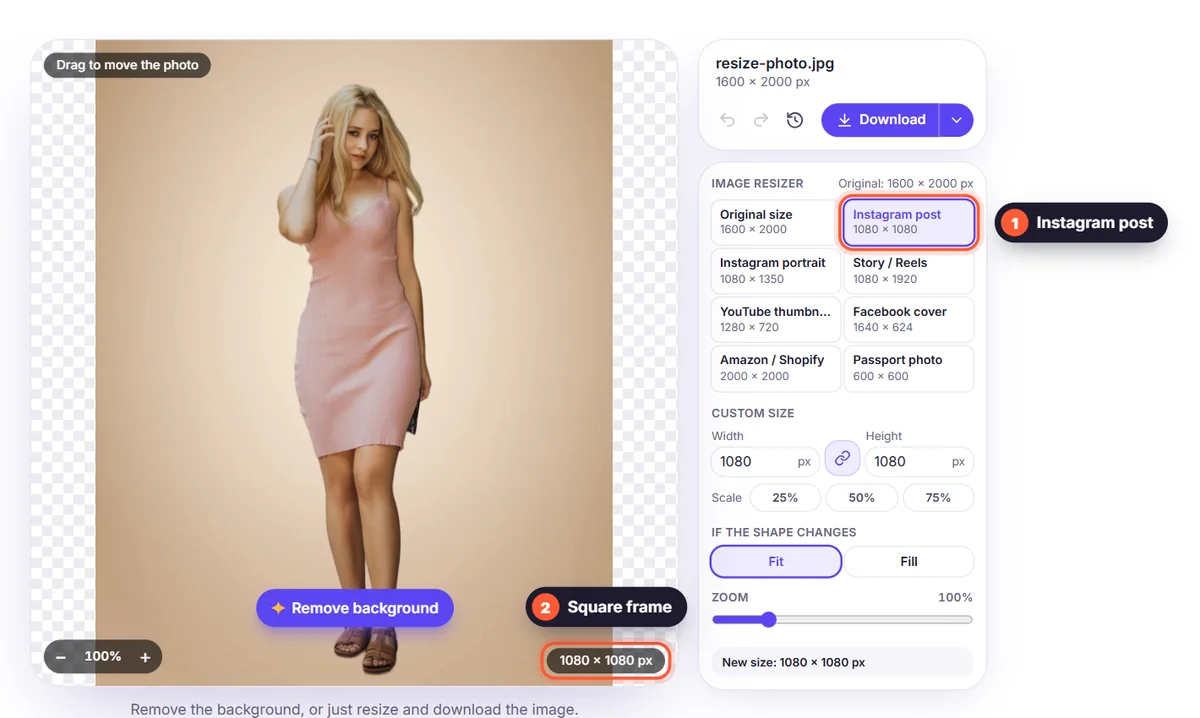
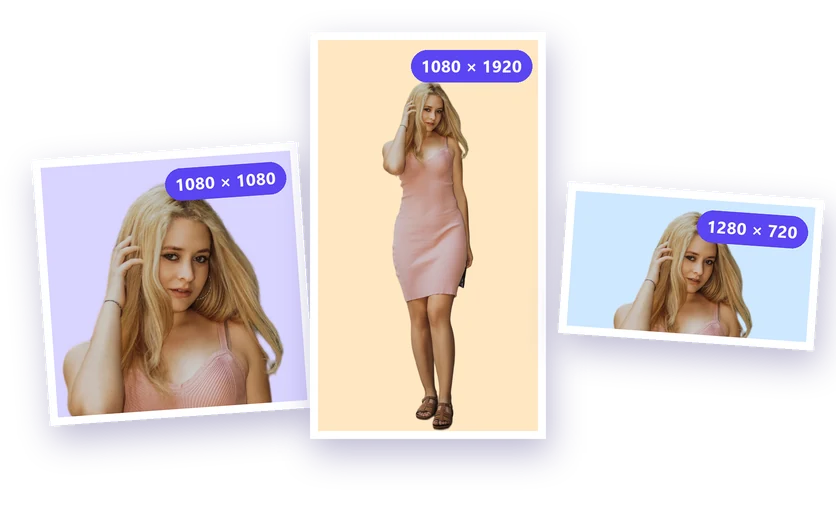
- Instagram post: 1080 × 1080, and 1080 × 1350 for portrait posts.
- Story / Reels: 1080 × 1920 for Instagram, Facebook and TikTok.
- YouTube thumbnail: 1280 × 720.
- Facebook cover: 1640 × 624.
- Amazon / Shopify: 2000 × 2000, a square that lets shoppers zoom in.
- Passport photo: 600 × 600, the 2 × 2 inch size at 300 dpi.
Keep the aspect ratio, or change the shape
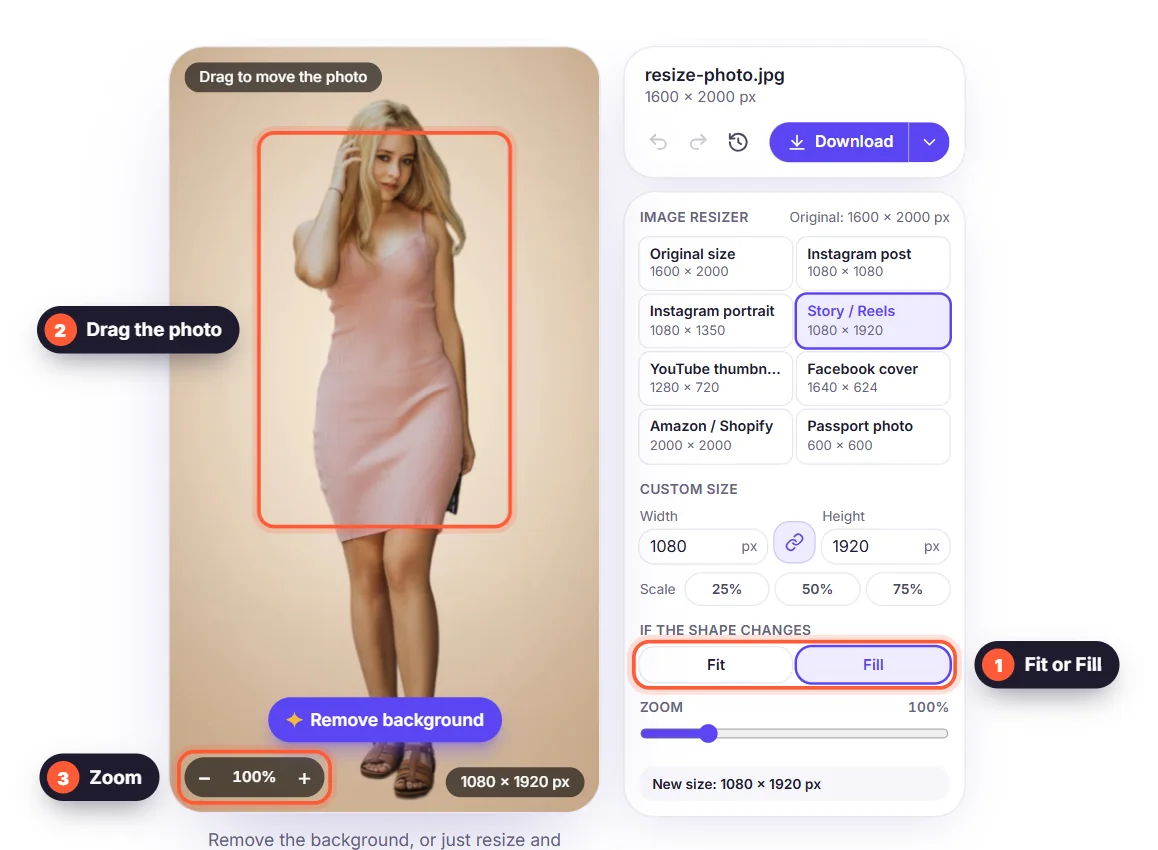
With a custom size, the chain button keeps the aspect ratio locked: type a width and the height follows, so the photo never looks stretched. When the new size has another shape, for example a tall portrait in a square, you choose what happens. Fit keeps the whole image and fills the free space with your background colour. Fill fills the frame completely and crops the edges. The preview shows the result before you download.
Resize several images at once
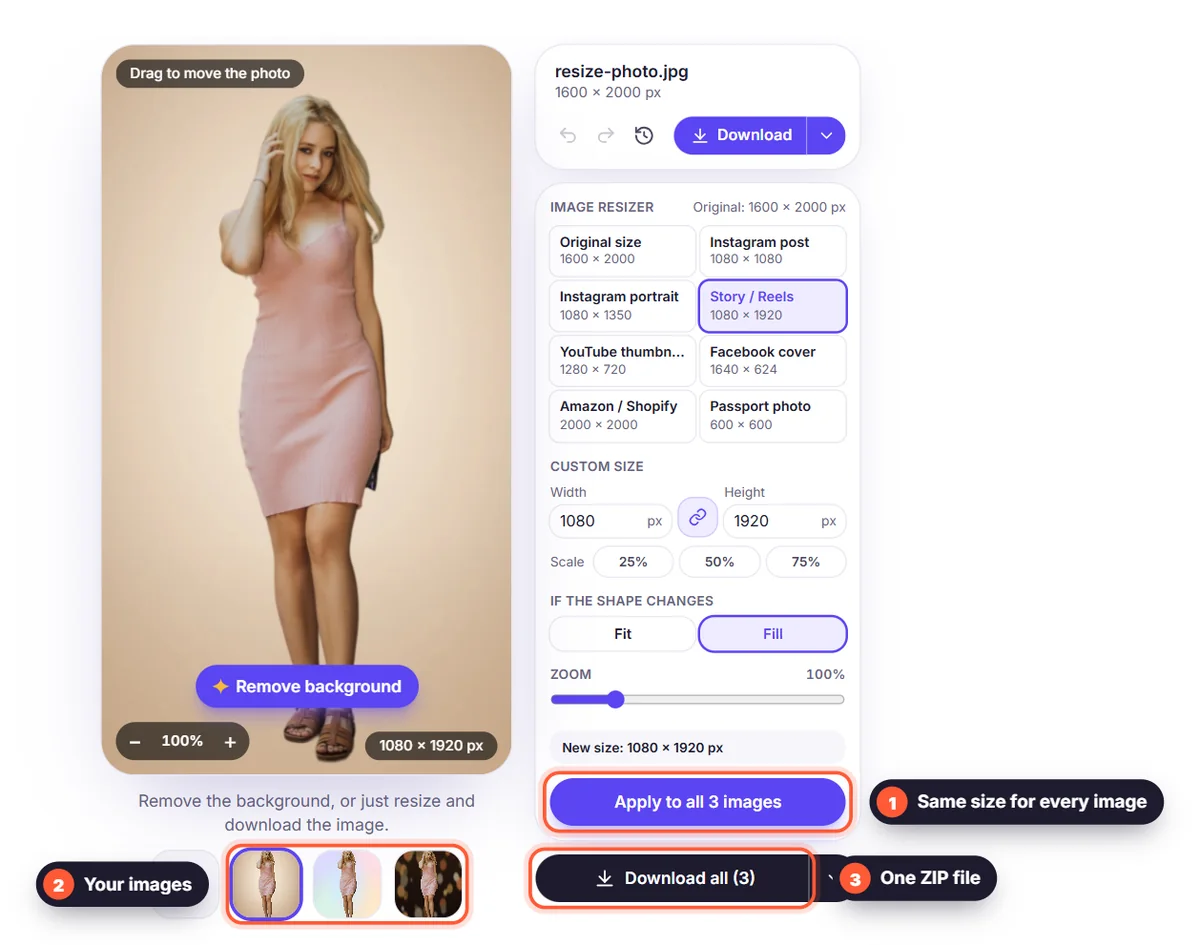
Add up to 10 images, set the size on one of them and choose "Apply to all". Then use "Download all" below the images to get every image in the same size, as a ZIP file or as one PDF. This is ideal for product photos, team pages and social media sets.
Why resize after removing the background?
- Consistent results: every product or portrait sits on the same background in the same size.
- Smaller files: a 6000-pixel camera photo resized to 1600 pixels loads much faster on a website.
- No stretched edges: the space around a cutout is filled with a clean colour, not distorted pixels.
- Private and free: resizing happens in your browser, without an account or watermark.
Want to know what happens to pixels and file size when you resize? Read our image resize guide, or see all image sizes for social media.