A white background looks clean on a product page, but it gets in the way as soon as you place the image on a coloured banner, a dark website or another photo. Here's how to remove a white background from an image for free and keep the edges clean.
Remove a white background in 3 steps
- Open the free background remover and upload your JPG, PNG or WebP image.
- Click Remove background: the AI finds the subject and erases the white background, usually in a few seconds.
- Download the result as a PNG with a transparent background, or put the subject on a new colour first.

Why not just delete the white with a magic wand?
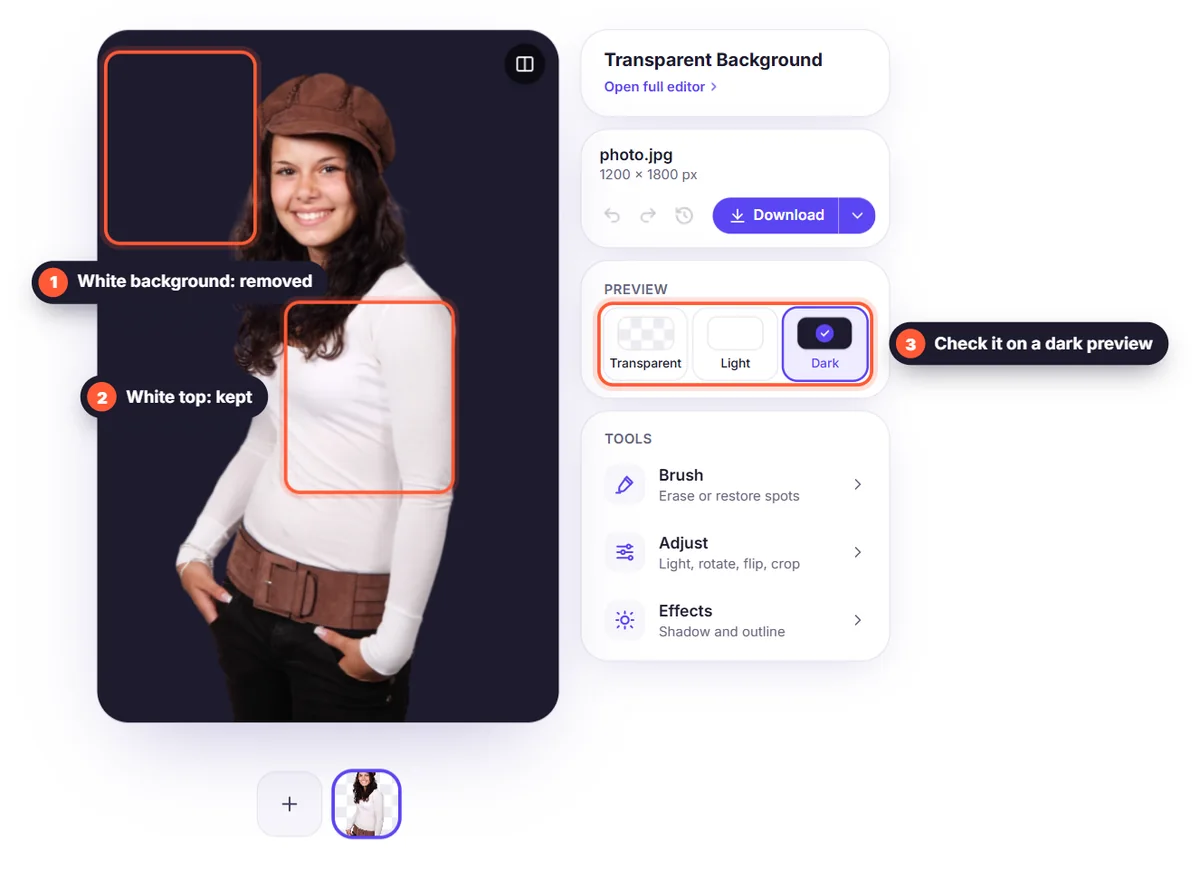
Classic tools select every pixel that is "white enough". That also deletes white parts of the subject itself, such as a white shirt, a label on a bottle or the highlights in someone's hair, and often leaves a grey halo around the edges. An AI background remover looks at the shape of the subject instead of only the colour, so white details inside the subject stay where they are.
Tips for removing white backgrounds cleanly
- Use the largest version of the image you have: more pixels give sharper edges.
- If the subject itself is very light (white shoes on white), shoot it on a light grey background next time for more contrast.
- For scans and screenshots, crop away borders and shadows before you upload.
- Check the edges by switching the background to black in the editor: any leftover white fringe is easy to spot.
Logos, products and signatures on white
The same steps work for most images on a white background. Logos and signatures have thin lines and lots of empty space, so see our guides on removing a logo background and removing a signature background. Selling online? Learn how to make product photos on a clean white background.
Which format keeps the background transparent?
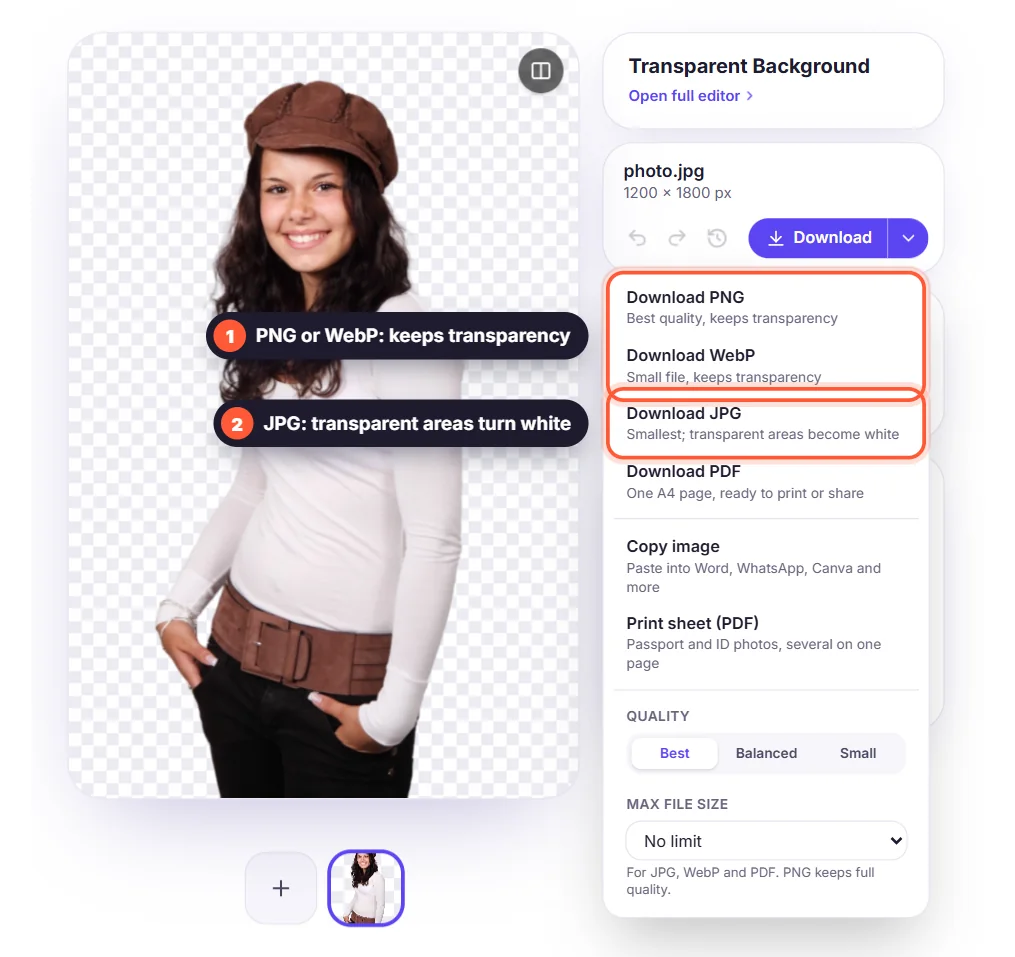
Choose PNG to keep the transparent background at full quality. WebP also keeps transparency in a smaller file, which is great for websites. Avoid JPG if you need transparency: it turns transparent areas white again. Read more in PNG, JPG or WebP.