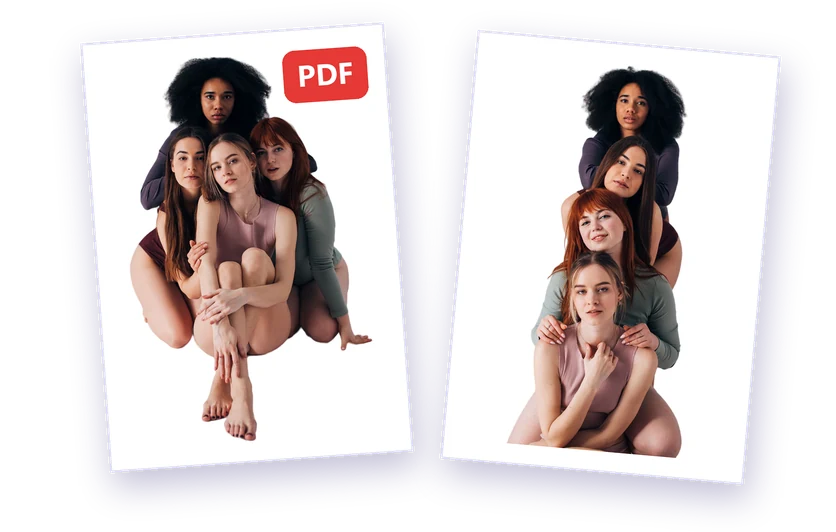
After removing a background you can download your image as PNG, WebP or JPG, or as a PDF. Here's when to use each one.
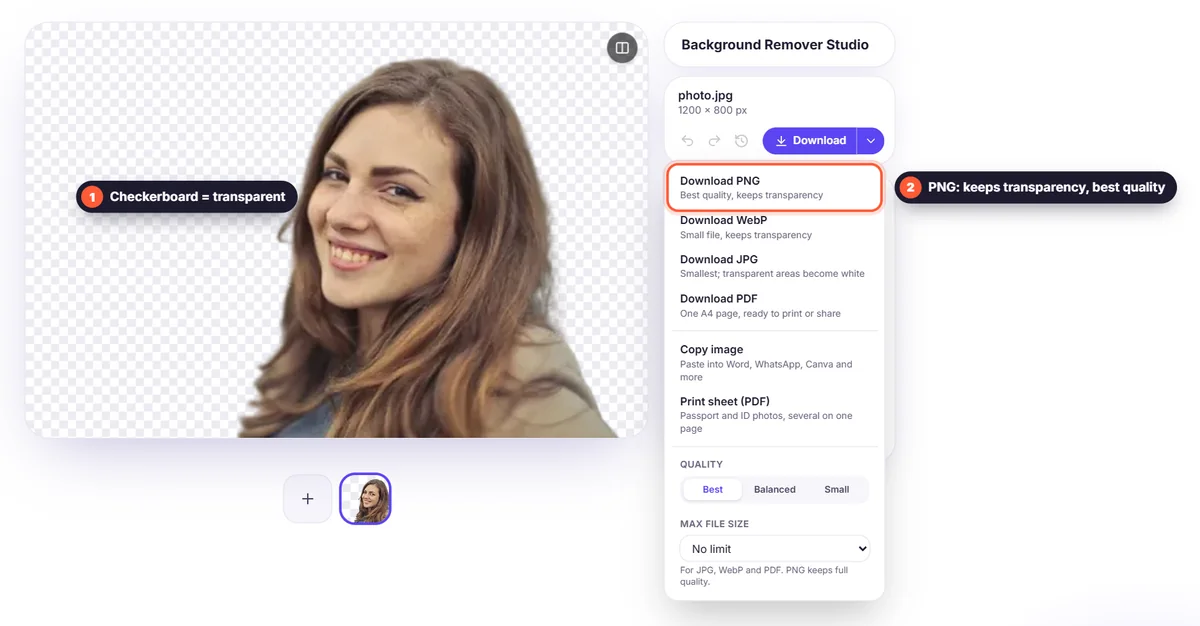
PNG: the safe choice for transparency
PNG keeps the transparent background and stores every pixel exactly. Use it for logos, design work, presentations and anything you'll edit further. The trade-off is a larger file.
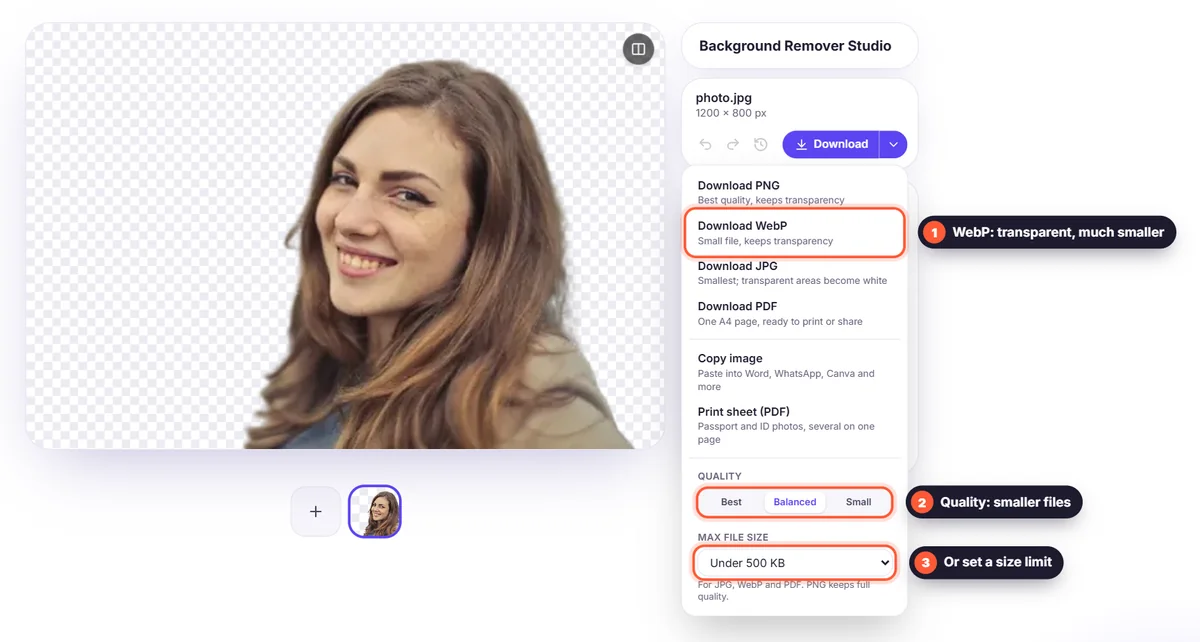
WebP: transparency in a much smaller file
WebP also keeps transparency, but files are often several times smaller than PNG. It's ideal for websites and online shops, where small files load faster. All modern browsers support it; some older desktop software doesn't.
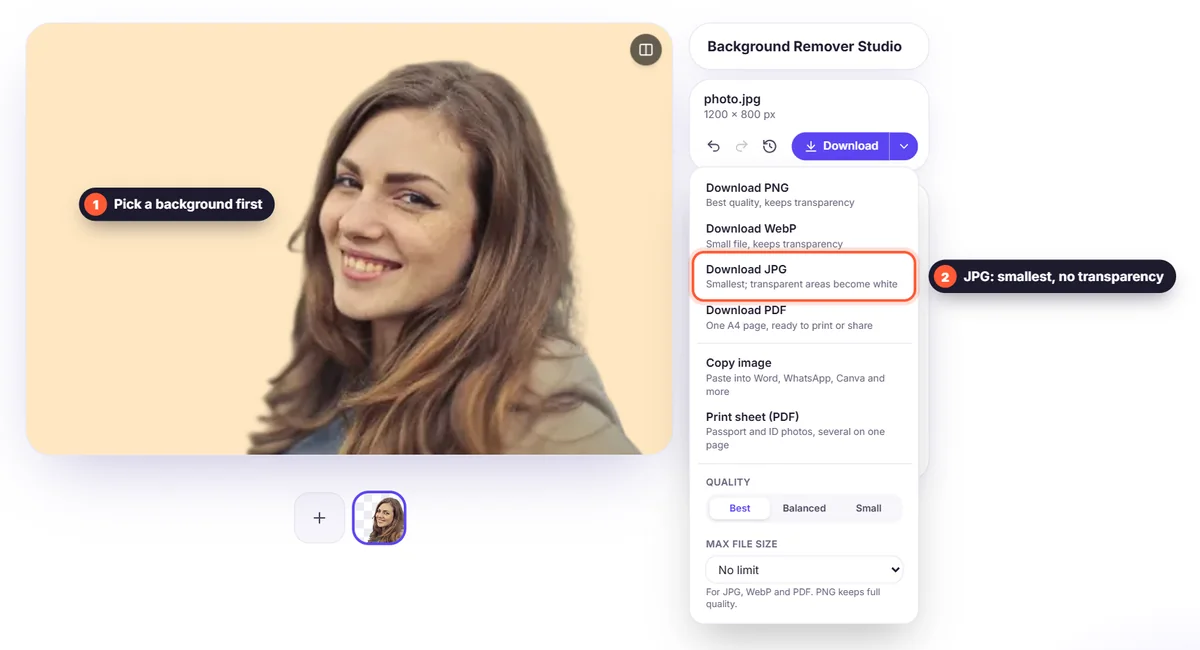
JPG: smallest, but no transparency
JPG can't store transparency, so transparent areas become white, or the background colour you chose in the editor. Use it when you've placed the subject on a solid colour or photo background and just need a small, universally supported file.
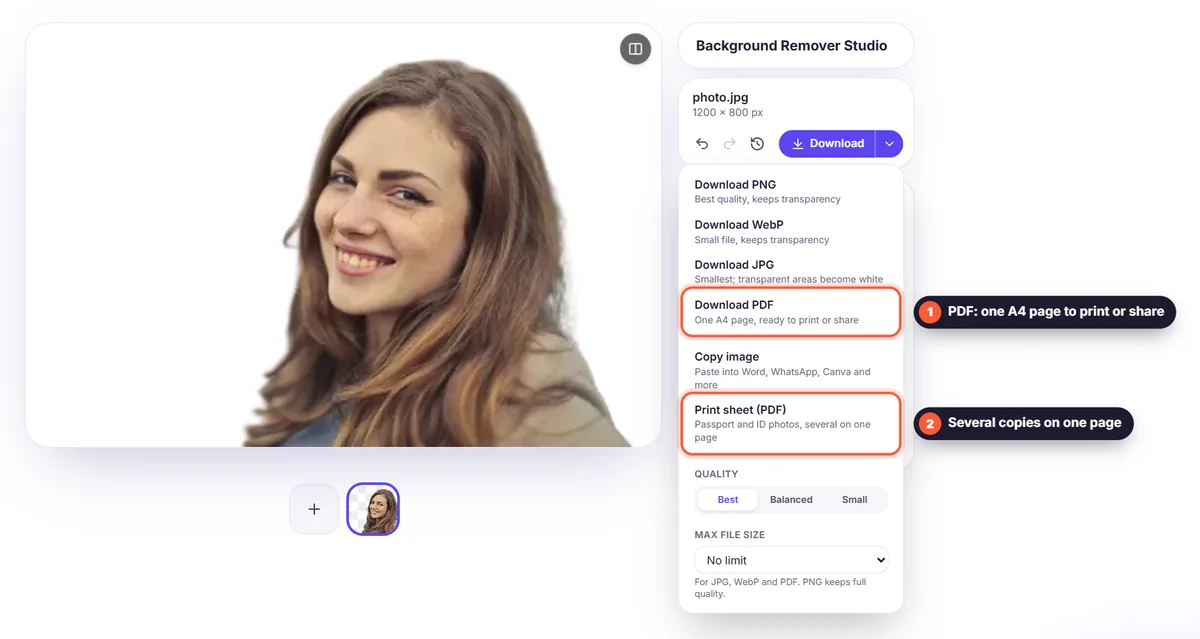
PDF: for printing and sharing
A PDF puts your image on an A4 page, on its new background or on white, because PDF pages have no transparency. Choose it for printing, forms and applications, or to send several photos as one file with "Download all as one PDF". More in our photo to PDF guide.
Quick summary
- Editing further or printing: PNG
- Website or online shop with transparency: WebP
- New background already applied, email or social media: JPG
- Printing, documents or several photos in one file: PDF