Removing a background around a product with sharp edges is relatively easy. Hair is a different story. Here's why, and what you can do to get the cleanest possible result.
Hair isn't a hard edge
A product has a clear outline: each pixel is either the product or the background. Hair is made of thousands of fine strands, and many pixels contain a bit of both, a strand of hair with background showing through. A good cutout keeps these pixels partly transparent instead of cutting them off.
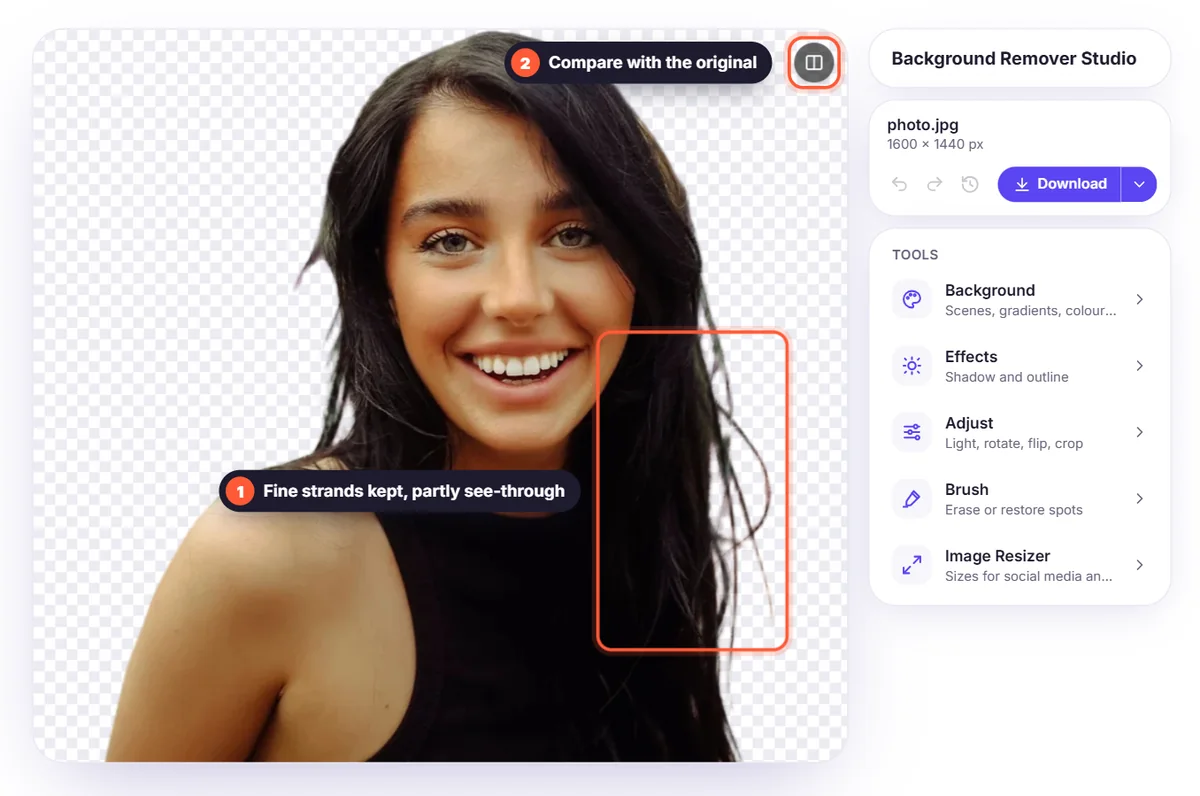
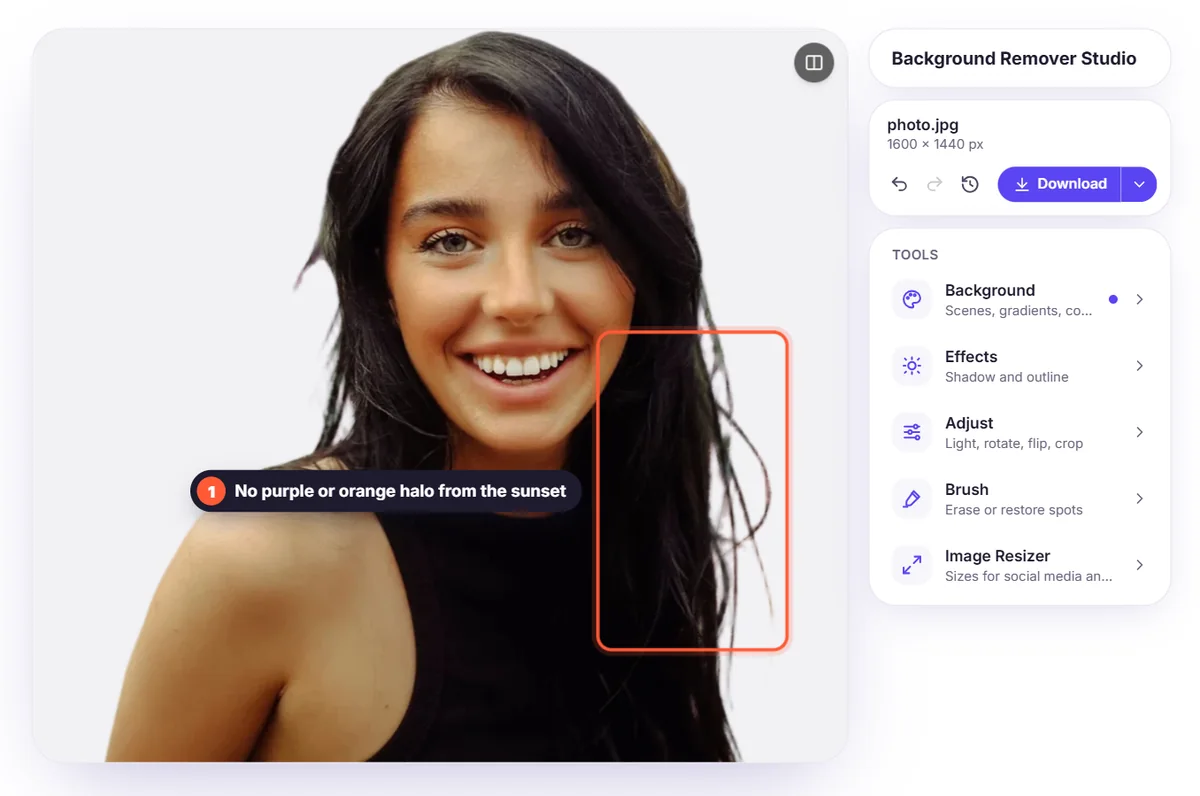
Background colour bleeds into the hair
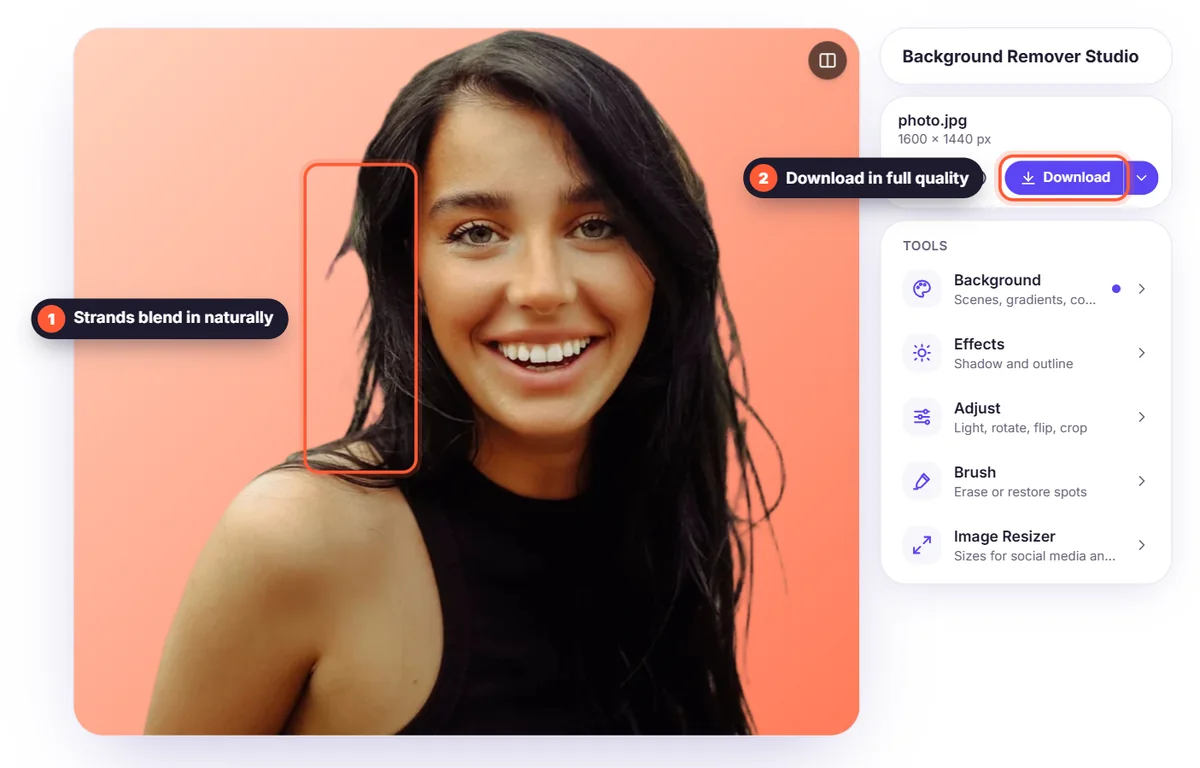
Because the background shows through fine hair, its colour mixes into the strands. Put that cutout on a new background and you can see a coloured halo. BGSwaper corrects the colours along the edges automatically, so the hair looks natural on any new background.
Blur makes it harder
When hair is out of focus or moving, the strands blend into the background. The AI has less detail to work with, so the edge becomes softer. A sharp photo always gives a better result.
How to get the best result
- Use a background that contrasts with the hair colour
- Use soft, even light without strong shadows
- Keep the subject in focus, especially the edges of the hair
- Upload the original photo, not a compressed screenshot
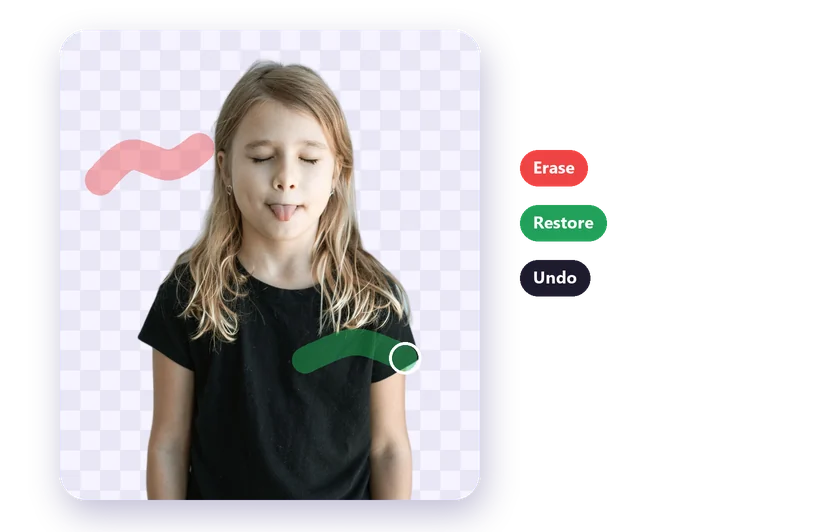
- Zoom in on the result and touch up any strand with the Brush
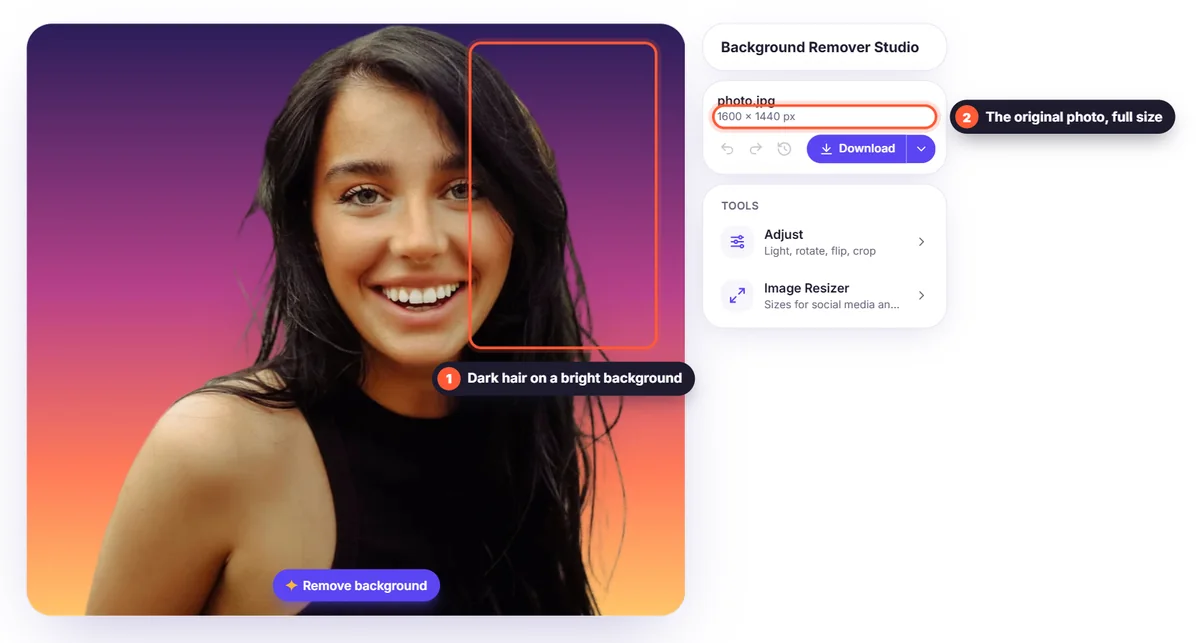
The result
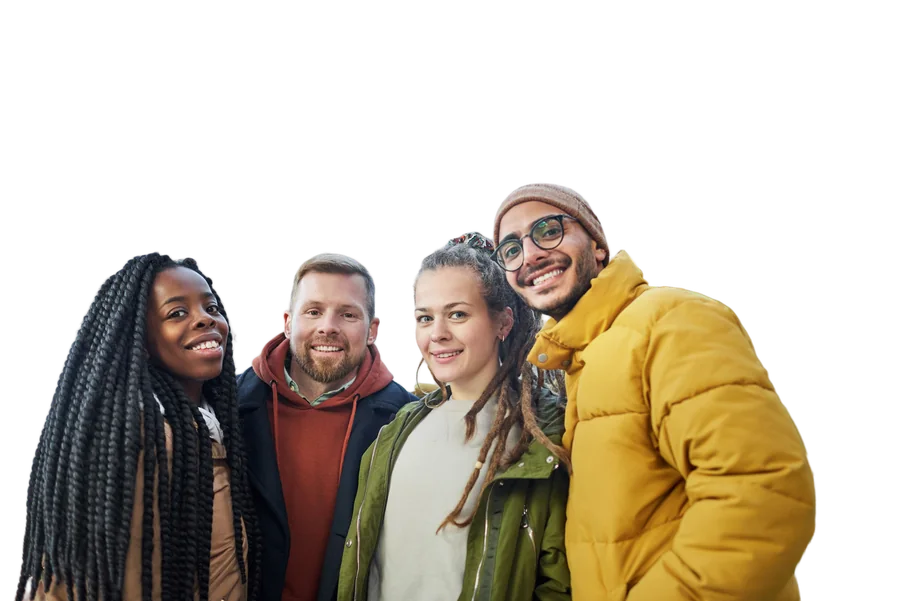
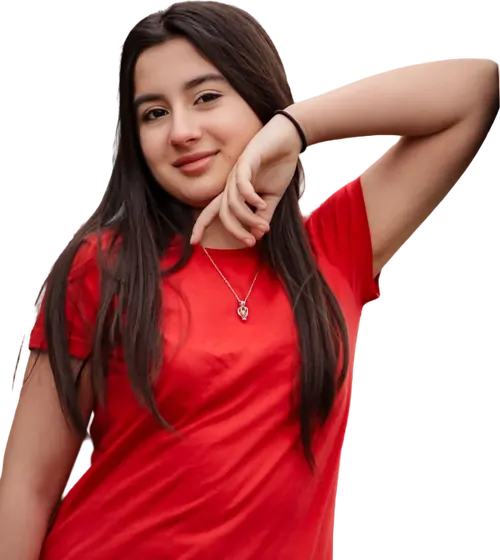
With a good photo, you get a cutout where individual strands are kept and the edges blend smoothly into any new background, without manual masking.