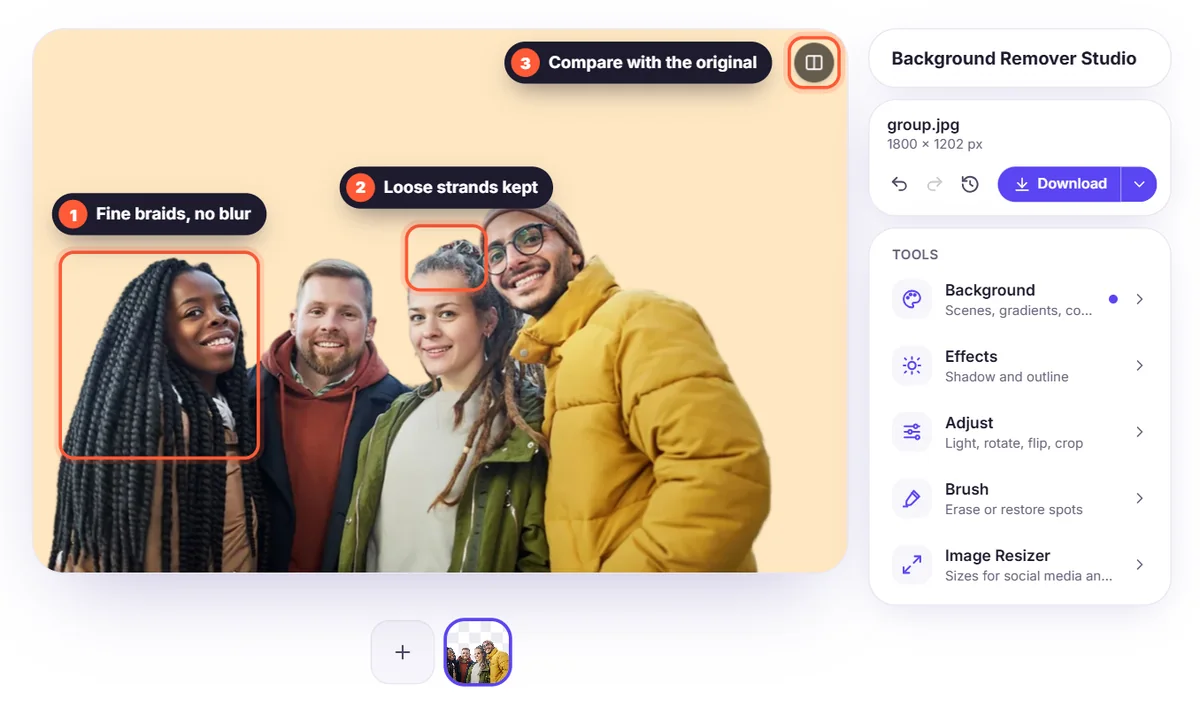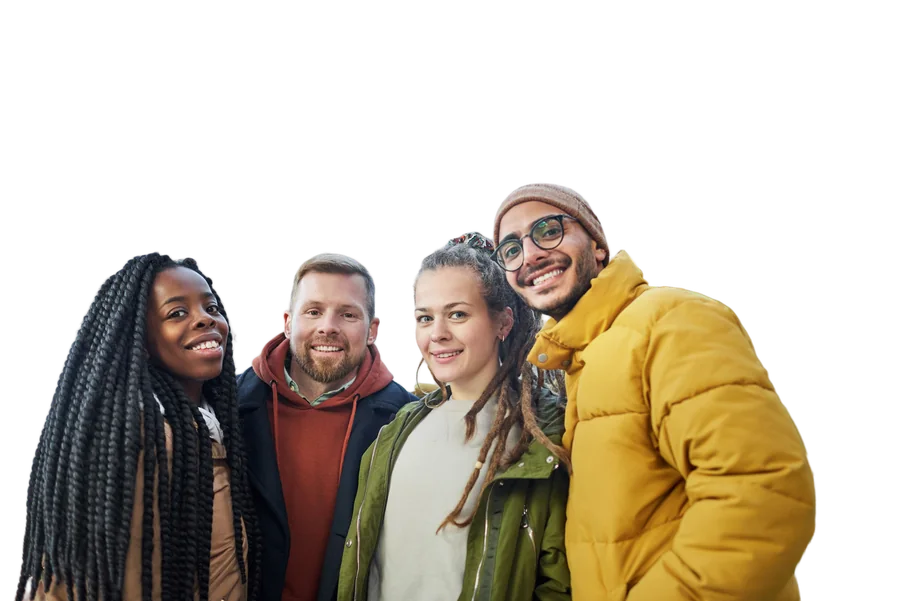
Nothing is more frustrating than a cutout that looks fine on screen and blurry in print. Many background removers shrink your image or only give the full size to paying users. Here's what an HD background remover should do, and how to get high-quality results.
What HD background removal really means
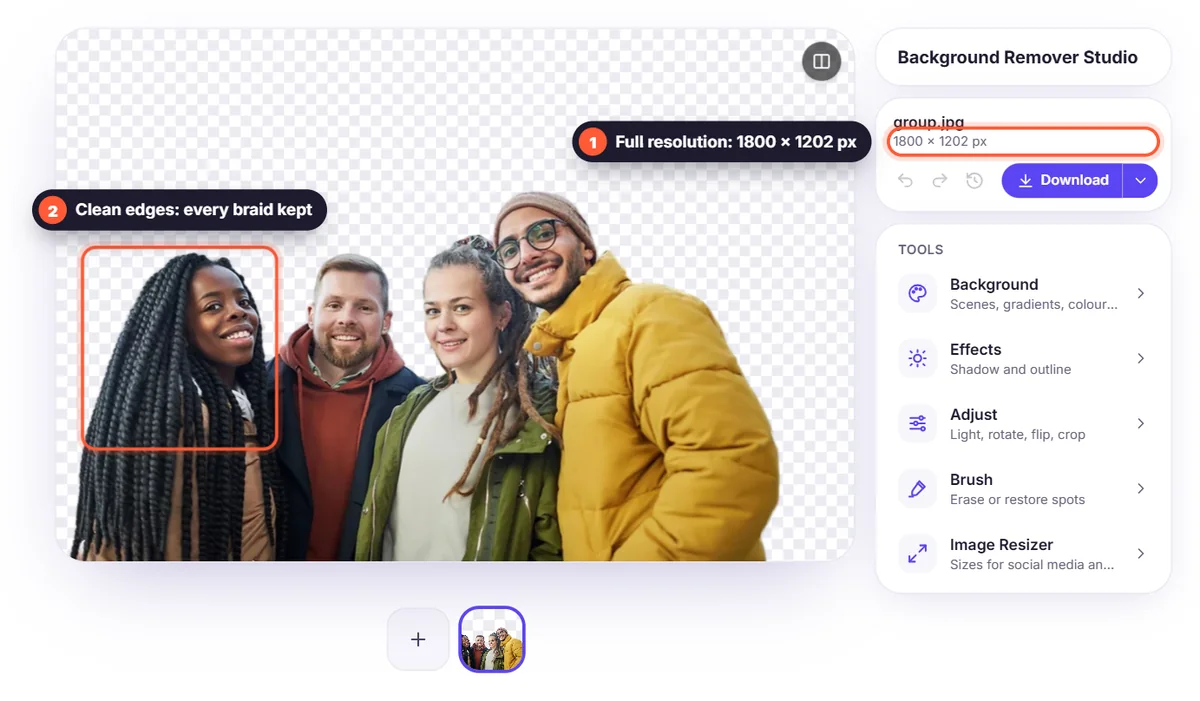
- Full resolution: the downloaded image keeps the size of your original, not a small preview.
- Clean edges: hair and fine details are kept without a jagged or blurry outline.
- No halo: no light or dark fringe from the old background around the subject.
How BGSwaper keeps your image in high quality
The AI works out where the subject is, and that cutout mask is then applied to your photo at full size. You download the result free and without a watermark. Very large photos are scaled to 2,560 pixels on the long side first, which is plenty for websites, social media and most print sizes. Try the HD background remover.
Tips for high-quality cutouts
- Start with the original photo, not a screenshot or an image saved from a chat app: those are often compressed.
- Use good, even light: sharp photos give sharper edges.
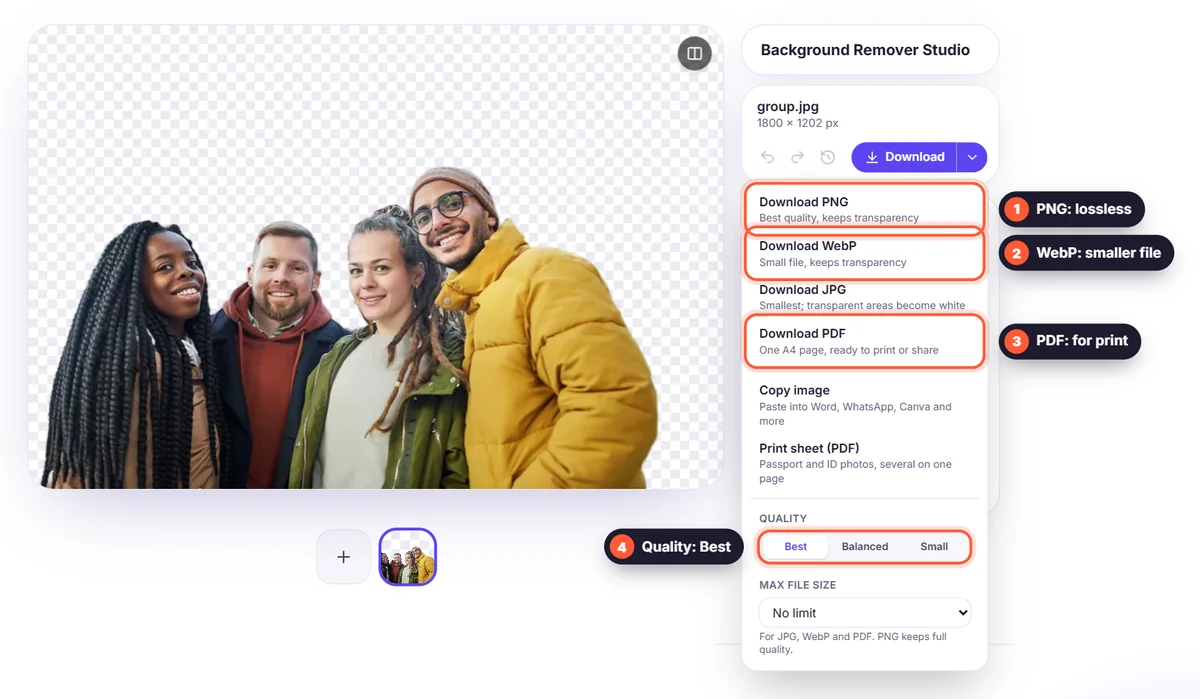
- Download PNG for lossless quality. WebP is smaller with almost the same quality; JPG loses transparency. For print, choose PDF.
- For very difficult photos (smoke, glass, cluttered backgrounds), check the edges at full size and touch them up with the Brush.
Hair is the real quality test
Fine hair strands are where most tools fail and where high quality shows. Read why hair is the hardest part of background removal to see what makes a clean result.