
Adobe Photoshop is the classic tool to remove a background, and it now has AI features of its own. But for many everyday images, a free online background remover does the same job in a few seconds. Here's how both work and when to choose which.
How to remove a background in Photoshop
- Open your image and duplicate the layer.
- Use the Remove Background quick action, or Select Subject, to select the subject automatically.
- Refine the edges with Select and Mask, especially around hair.
- Hide or delete the background and export as PNG to keep the transparency.
It works well, but it needs a paid subscription, a computer that can run Photoshop, and some practice to refine selections.
How to remove a background online
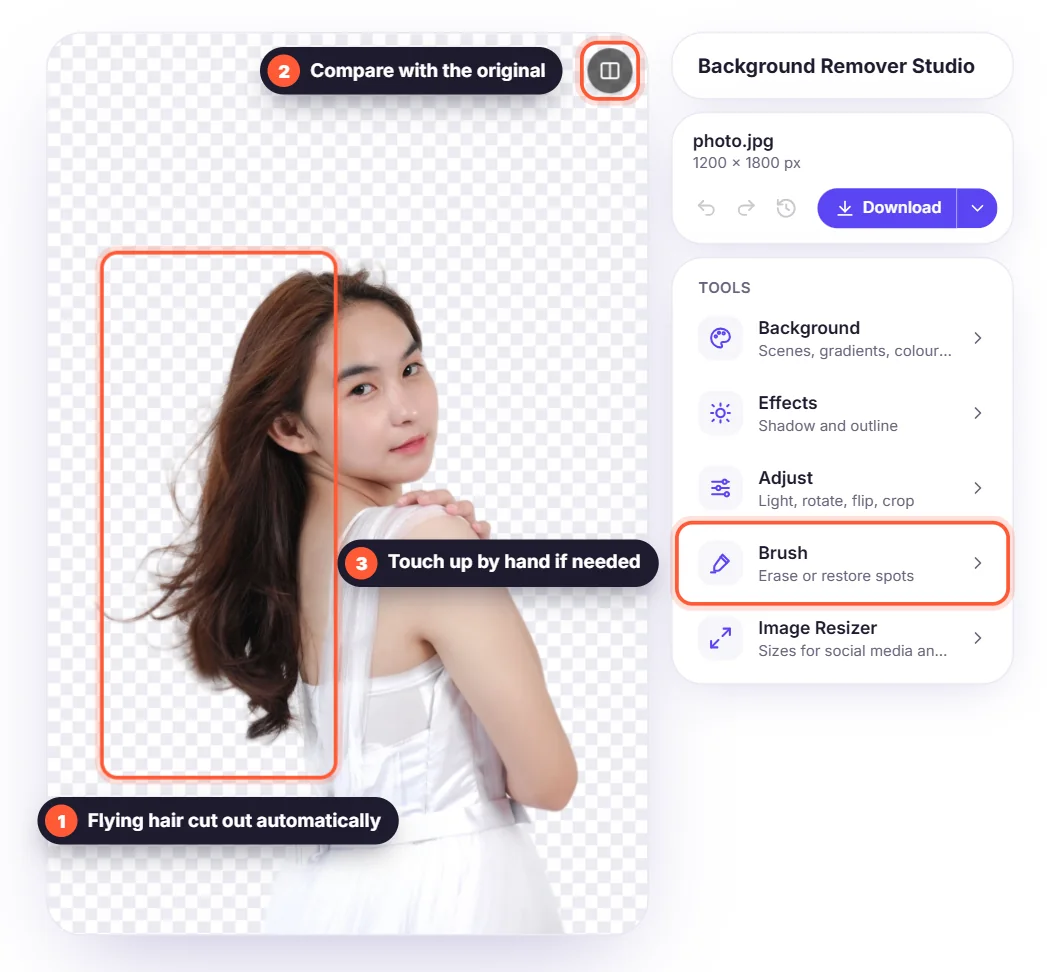
With an online tool such as our free background remover, you upload the image, wait a few seconds and download a transparent PNG. There's nothing to install and no account, and it works in any browser, including on your phone.

Photoshop vs. online background remover
- Speed: online takes seconds; a clean selection in Photoshop takes minutes.
- Cost: online is free; Photoshop needs a subscription.
- Control: Photoshop lets you paint masks by hand and combine many layers; online tools are automatic.
- Several images: an online remover processes them one after another, with no extra setup.
When Photoshop is still the better choice
Choose Photoshop for complex compositing, retouching, print layouts with many layers, or when you need to fix a selection pixel by pixel. For product photos, profile pictures, social posts and quick designs, an online remover is usually faster and good enough. You can also combine both: remove the background online, then open the PNG in Photoshop to keep editing.